Free
- A selection of fully open recipes
- Coffee of the Day and Surprise Me
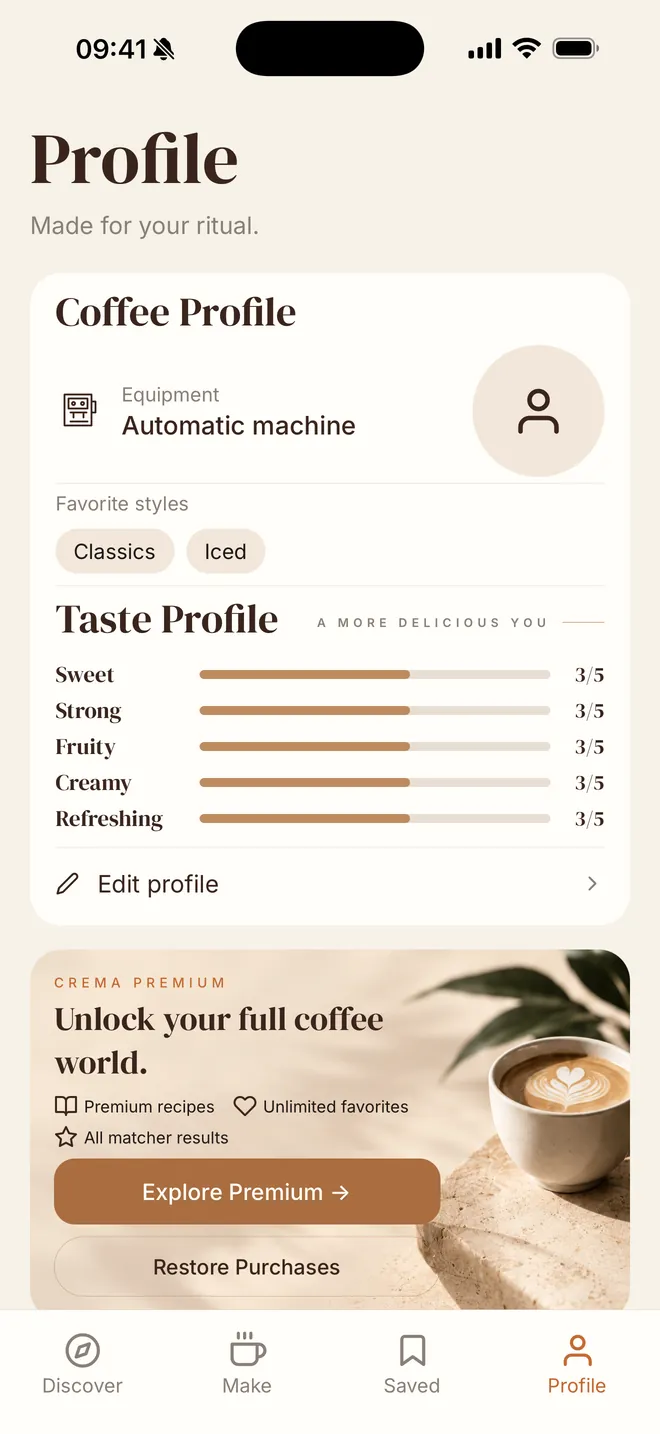
- Your taste profile
- Up to 5 favorites
- Basic What Can I Make? results
Your daily coffee ritual
Discover drinks matched to your taste and the ingredients you already have.

Scan with your iPhone camera to get the app.
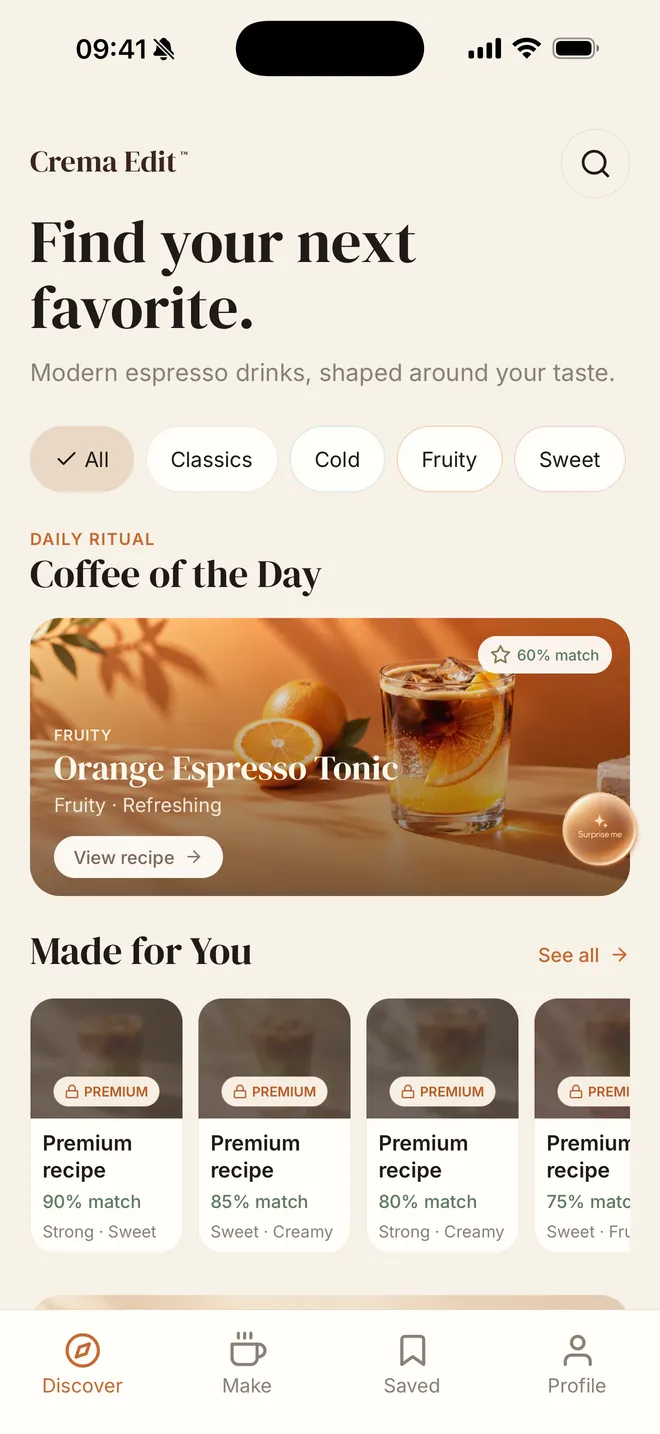

60 curated drinks
Most machines end up making the same two or three drinks. Crema Edit is a visual way to find the next one, with recipes short enough to make on an ordinary morning.
Discover
Start with Coffee of the Day, then browse by mood: Cold & Refreshing, Something Sweet, Experimental. Made for You puts the drinks closest to your taste up front.
What can I make?
Pick the ingredients you have. Crema Edit shows the drinks you can make right now, then the ones that are only one or two ingredients away.
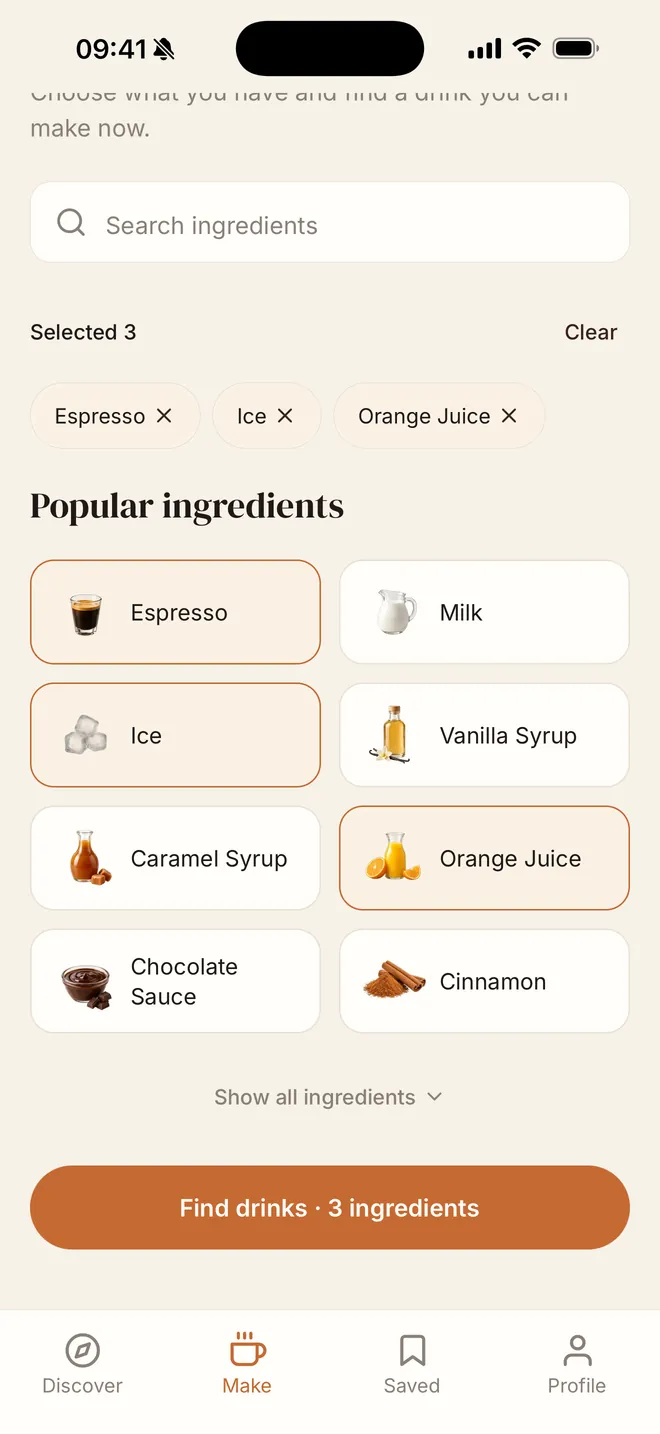
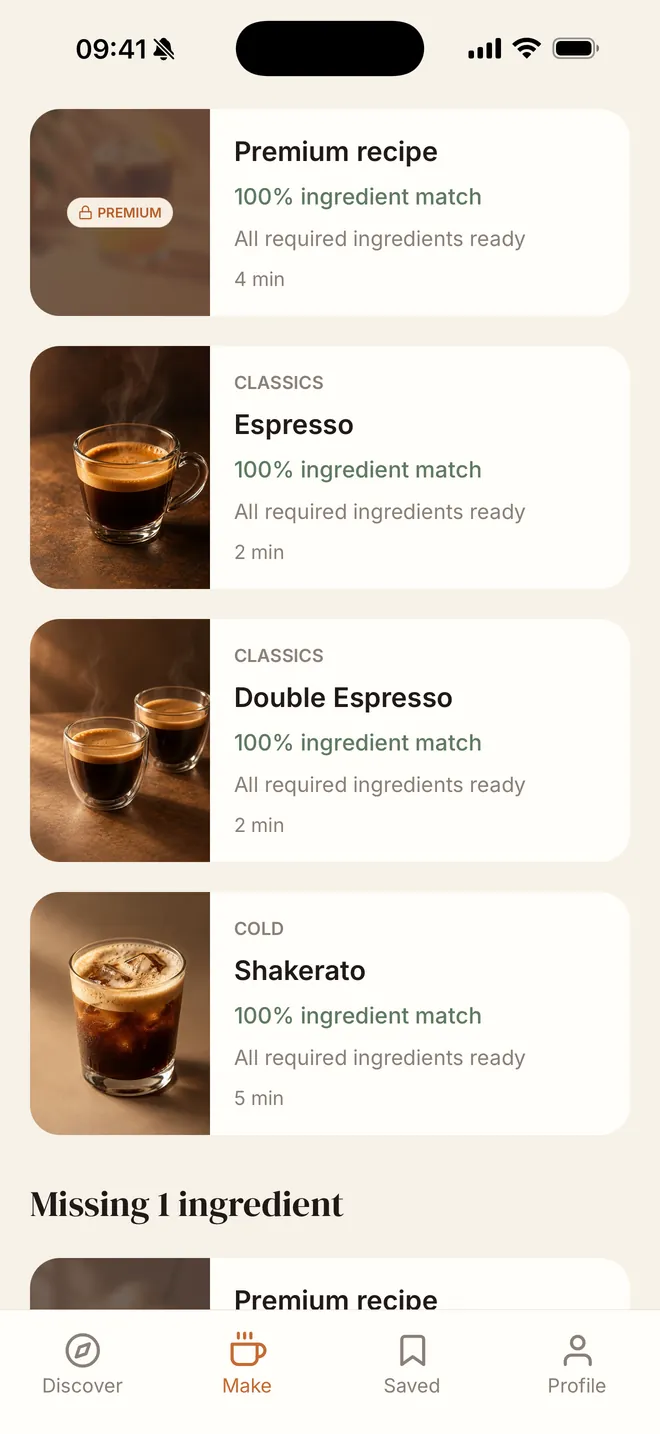
Make
Every recipe lists precise amounts, prep time, and difficulty, with substitutions where they help. When you finish, mark the drink as made, rate it, and share a card made for Stories.
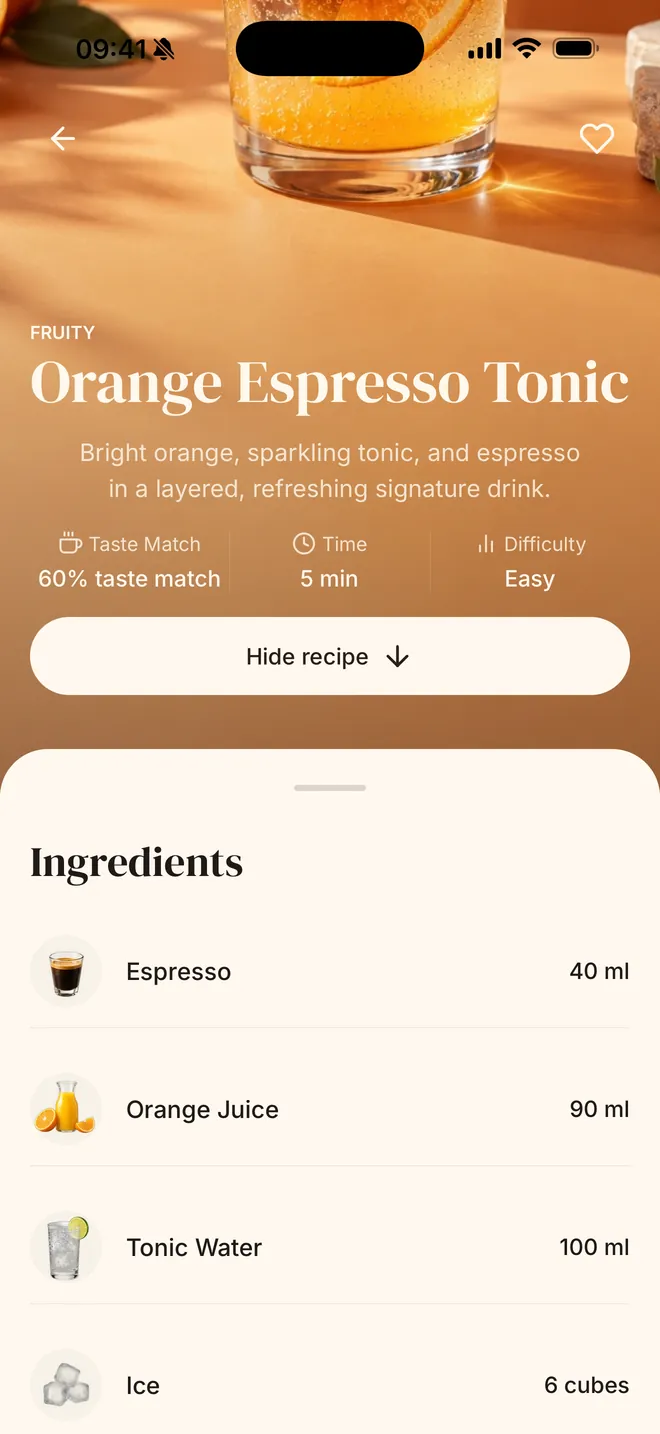
Taste profile
Tell Crema Edit how you like your coffee across five scores: sweet, strong, fruity, creamy, and refreshing. Recipes use the same scores, so each one can show how well it matches you.
Surprise me
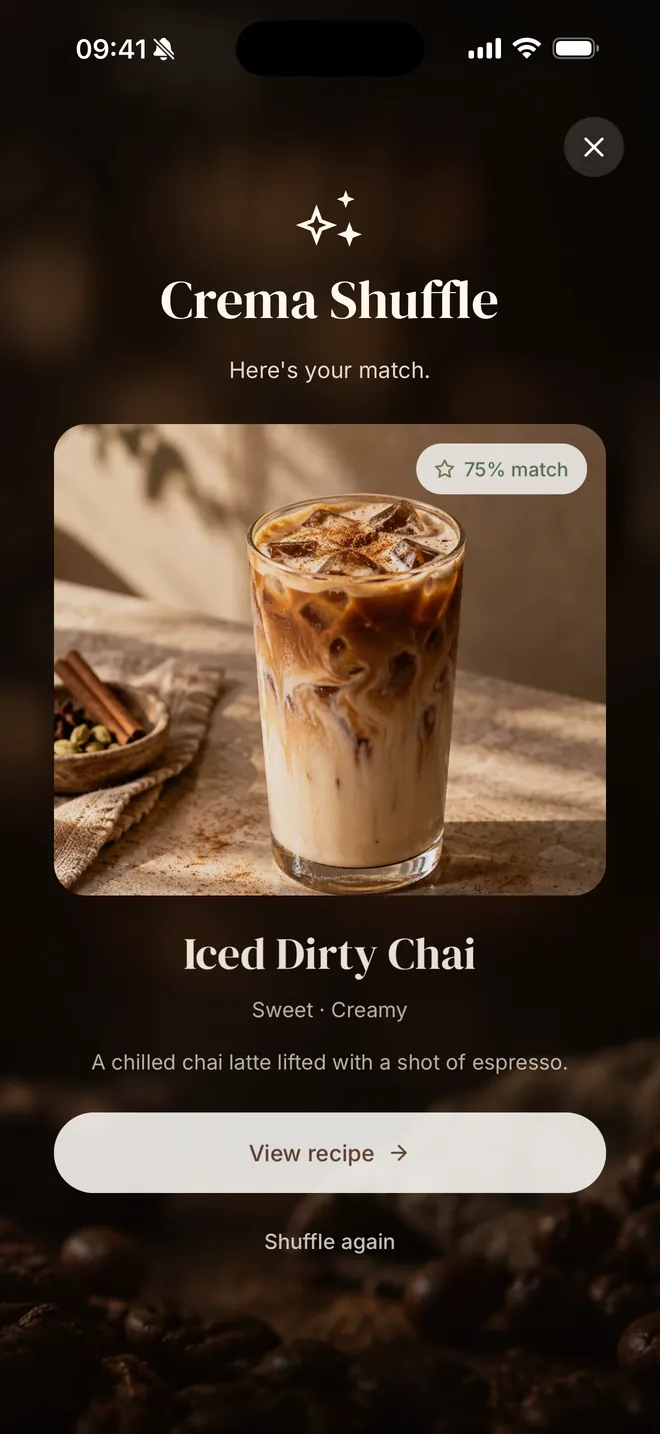
Can’t decide? One tap picks a drink with your taste in mind. Or come back for Coffee of the Day, a new pick each day.
International
The app is available in eight languages. Choose yours in Profile.
Free & Premium
Options and prices, where offered, are shown in the app.
Crema Edit is made for people with an espresso machine, an automatic coffee machine, or a Nespresso or capsule machine. You choose your setup when you start, and “Other” is an option too.
No. Crema Edit is for home coffee lovers, not professional training. Recipes are short and practical, and use ingredients you can realistically find.
You can start without creating one. Saving your profile with an account is optional, and you can delete your account in the app under Profile.
Crema Edit is an iPhone app, available on the App Store.
Write to support@cremaedit.app or visit the support page.